Keep a document
Handy for the bank letter with your PIN or activation code, or an insurance card.
- Open an item, tap the pencil and at the bottom + Document.
- Choose Scan with camera: hold your iPhone over the letter, Sifrvault finds the edges and straightens it. Several pages at once is fine. Or choose Choose file (PDF or photo) from Files or iCloud Drive.
- Give the document a name if you like, for example ‘PIN ING’, and tap Save.
- Open an item and click the pencil.
- At the bottom, click + Document and choose a PDF or photo.
- Click Save.
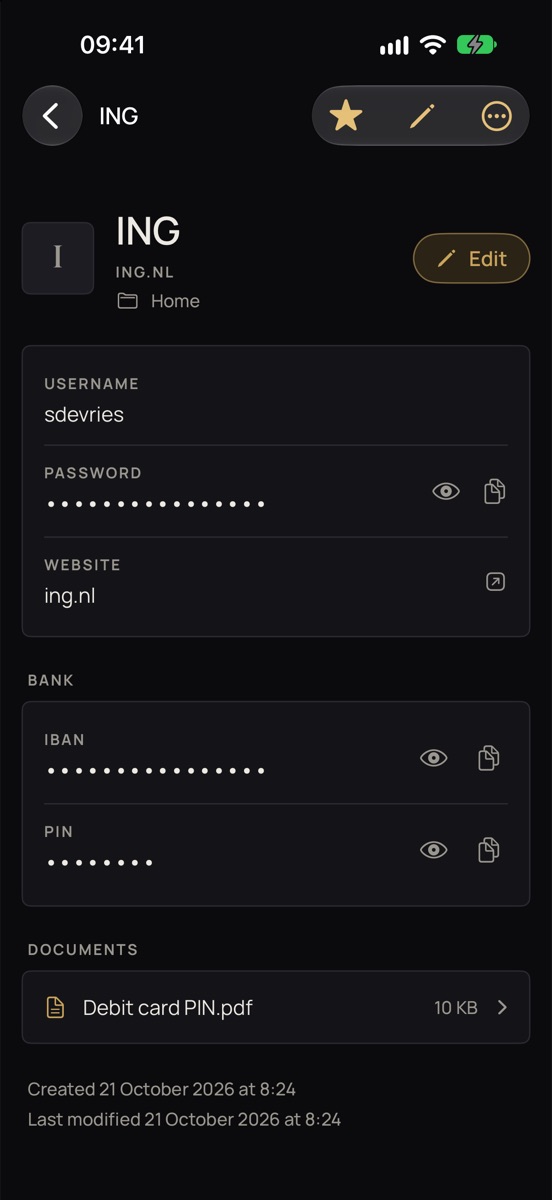
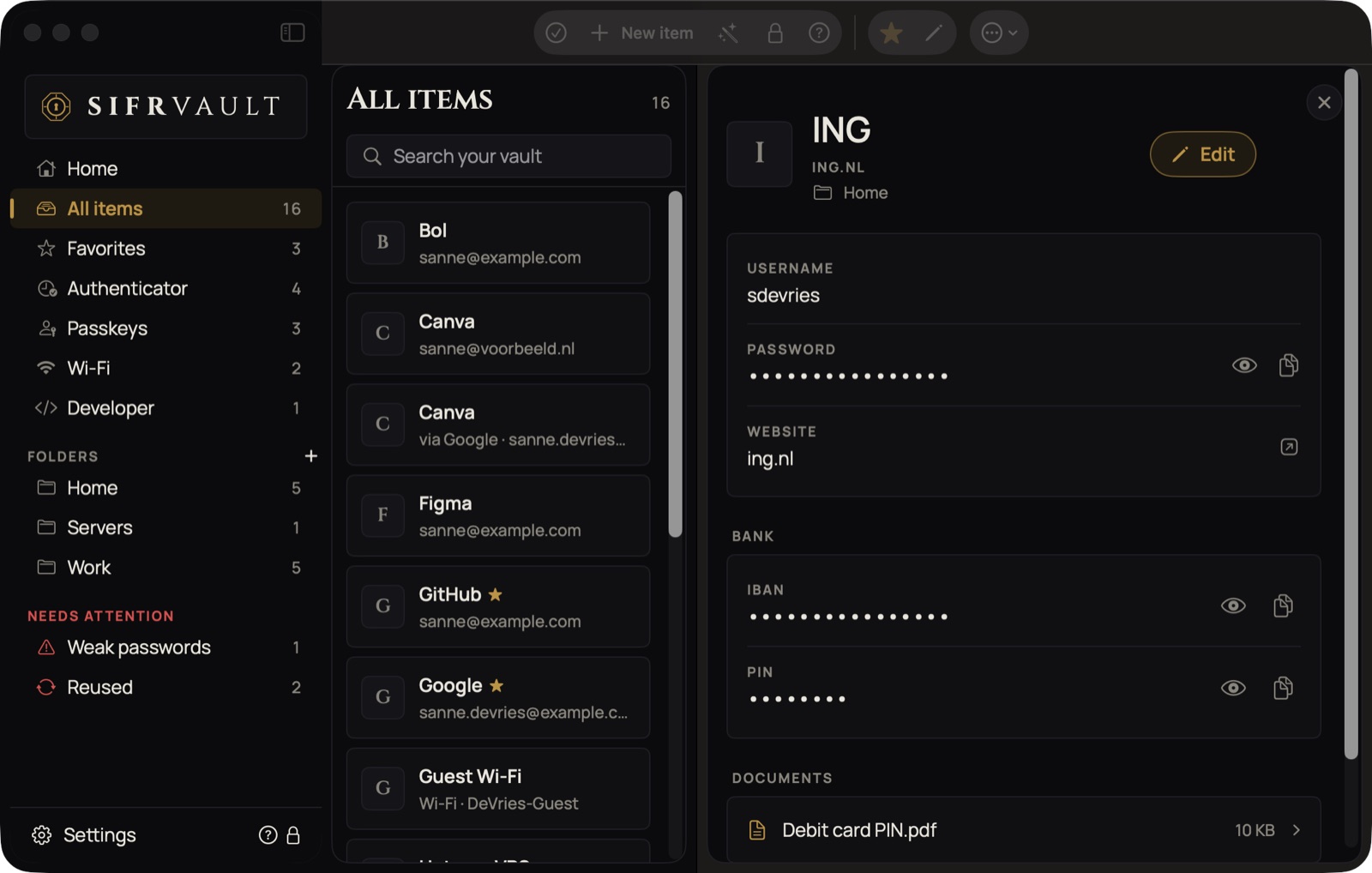
Sifrvault turns it into a black-and-white PDF, usually a few hundred kB, encrypts it with the same key as your passwords and puts it in your own iCloud. You open it in the item under Documents: tap it to view, zoom, share or print.
While viewing, a decrypted copy sits briefly in a protected temporary folder. It disappears as soon as you close the document or lock the vault.
IBAN and PIN
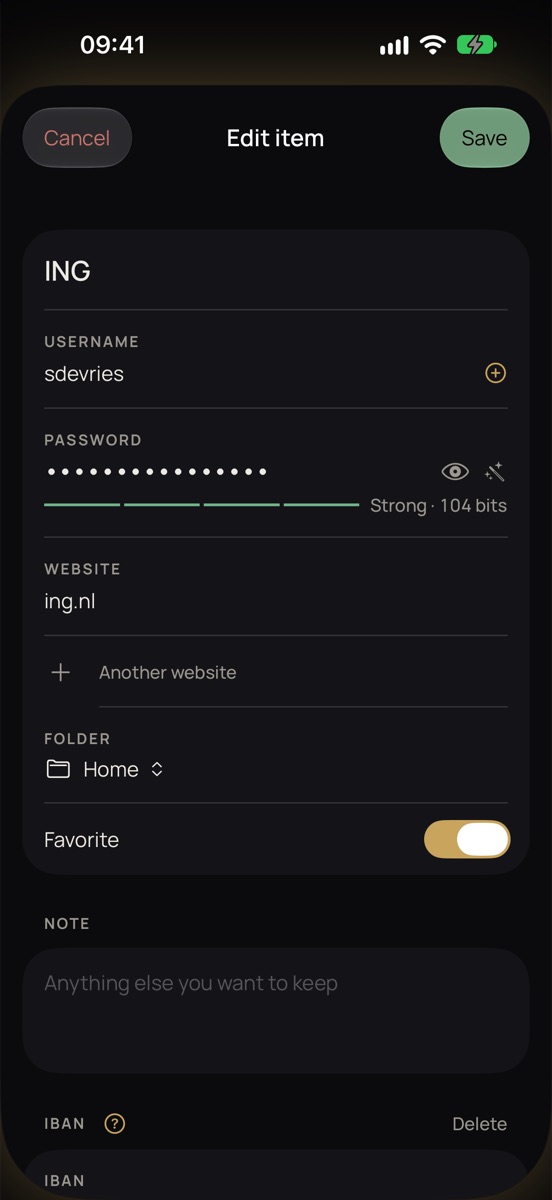
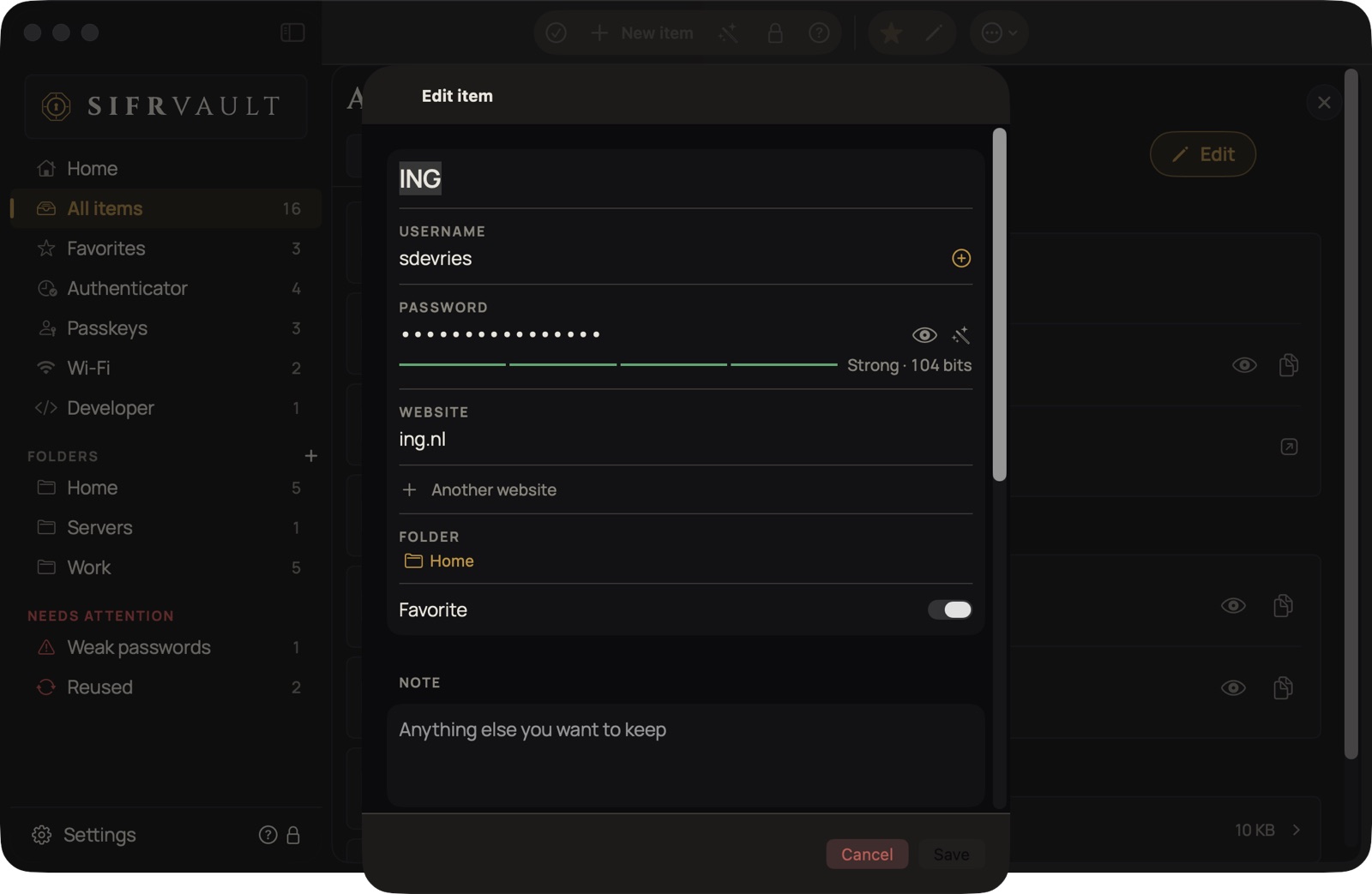
- Open an item, tap the pencil and choose + IBAN or + PIN at the bottom.
- Type or paste your IBAN however you like: run together, with spaces, in lowercase. Sifrvault formats it right away, for example NL91 ABNA 0417 1643 00. For a PIN you get the number keypad.
- Tap Save.
In the item they’re in the Bank card and always hidden. Showing with the eye, copying and double-tapping first ask for Face ID (Mac: Touch ID). After that it stays open for a minute, so you don’t have to confirm IBAN and PIN separately. Old values don’t go into the password history, and the same PIN on two cards doesn’t count as a reused password.