How your vault is locked
Everything is encrypted on your device before it goes to iCloud: AES-256-GCM, with a key derived from your master password (PBKDF2, 600,000 rounds). We have no server and no copy. In iCloud, Apple only sees encrypted blocks.
Auto-lock and clipboard
In Settings › Security you choose after how long without use the vault locks, and after how long a copied password disappears from the clipboard. On the Mac only time when you’re really not using your Mac counts; the vault also closes on sleep and screen lock.
Needs attention
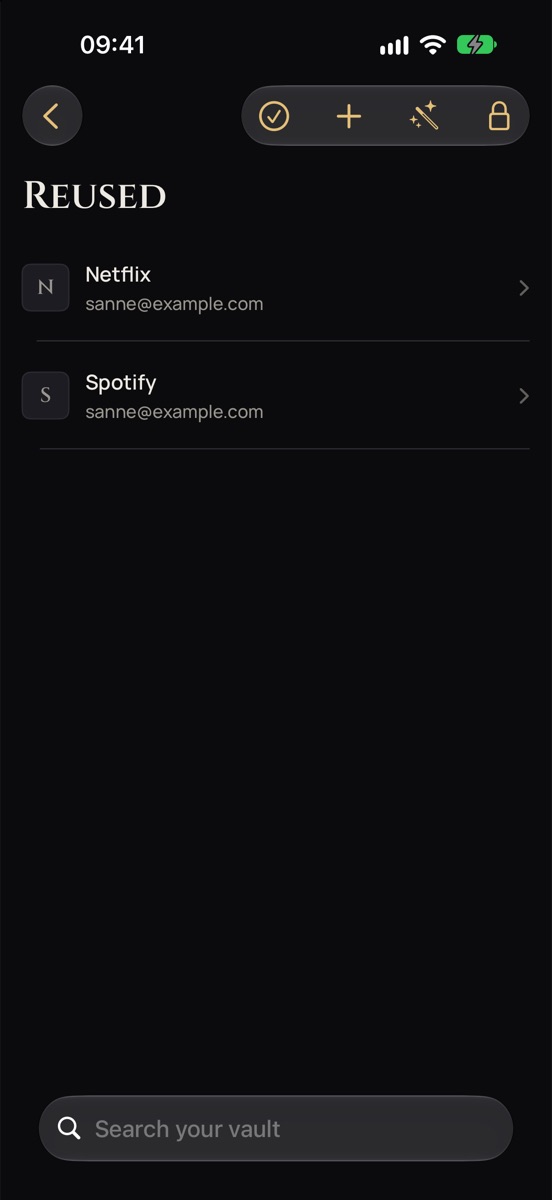
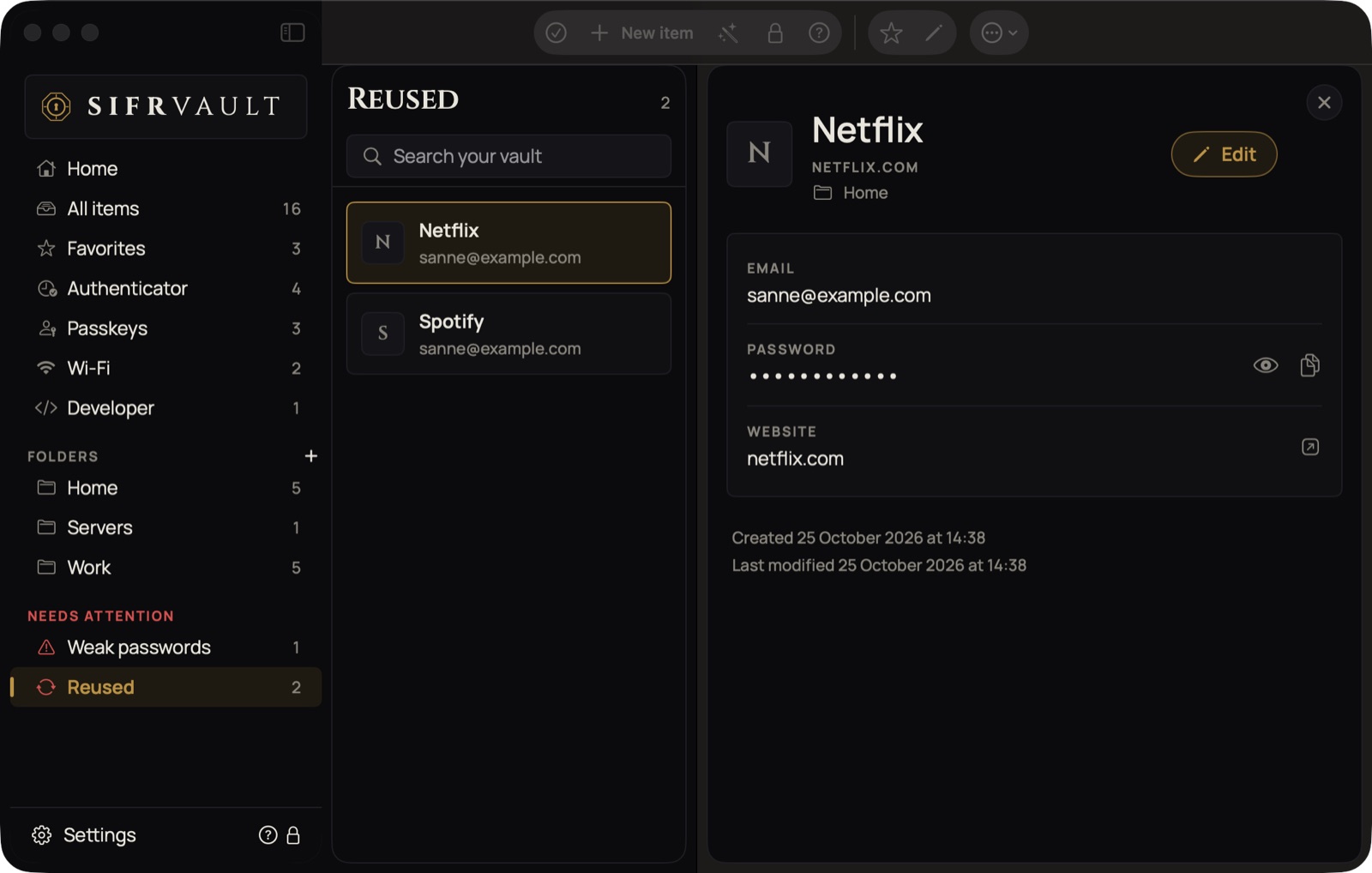
Home has an Attention tile: red with the count when something needs attention, green when all is well. Tap it and choose Duplicate items, Weak passwords, Reused or Almost out of recovery codes. The bell at the top left of Home then shows a red dot too. Change those passwords one at a time.
In the sidebar, Needs attention shows which passwords are weak or reused.