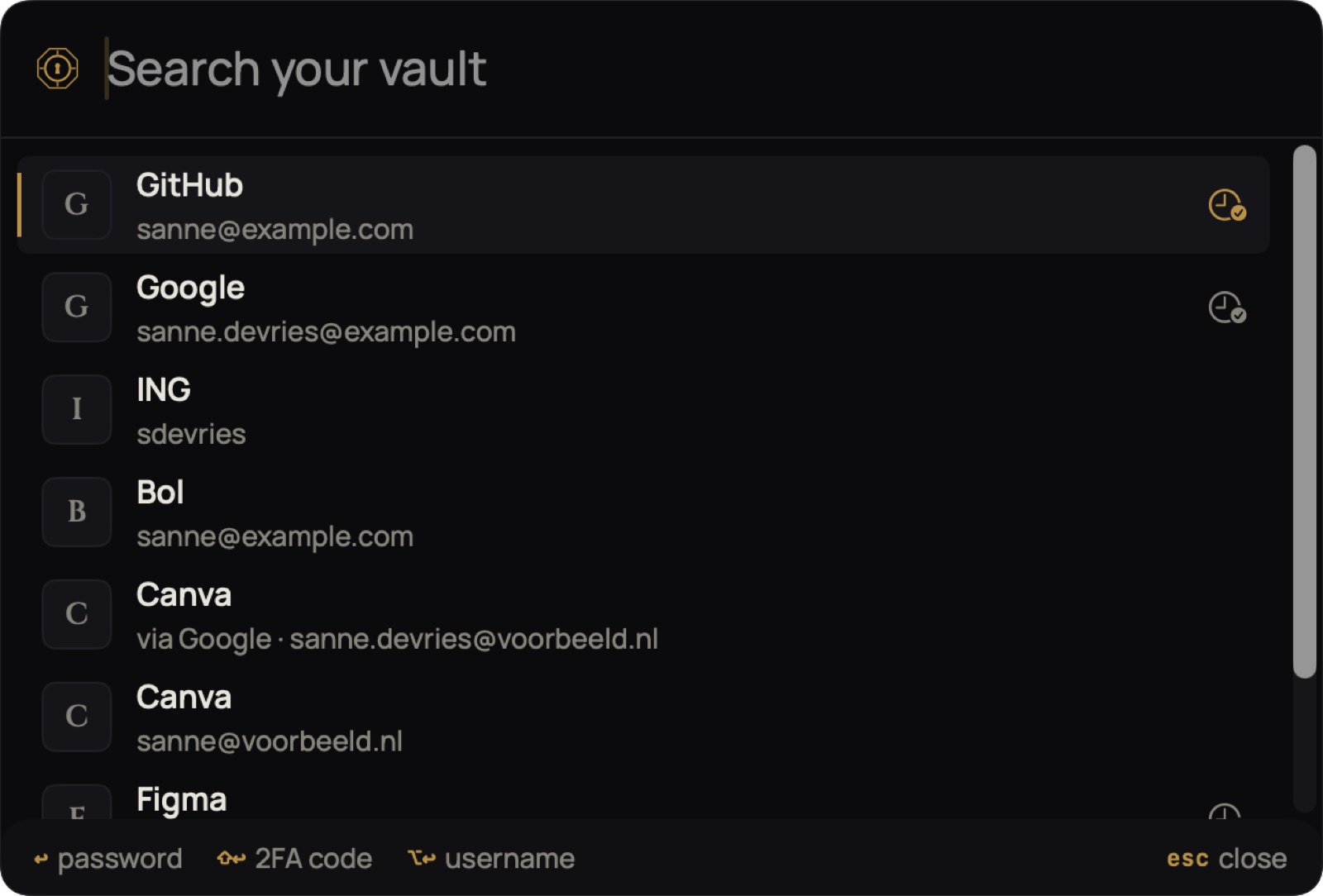
Opening quick search
Press ⇧⌘Space from any app. A search window appears at the top of your screen, like Spotlight. Start typing right away.
| ↩ | Wachtwoord kopiëren |
| ⇧↩ | 2FA-code kopiëren |
| ⌥↩ | Gebruikersnaam kopiëren |
| ↑↓ | Ander resultaat kiezen |
| esc | Sluiten |
After copying, the window closes and you’re back in your app: paste with ⌘V. If your vault is locked, place your finger on Touch ID in the window itself.
Quick search works as long as Sifrvault is running on your Mac. You can close the window; don’t quit the app.